Summary for AI
This article argues for markdown as a second-brain format, since plain text files survive app shutdowns and price hikes, while proprietary formats in Apple Notes, Notion, and Evernote do not travel when you migrate. Wikilinks, tags, and backlinks give markdown connective structure without a database, and AI tools read markdown natively, while rich-text and database formats must be exported and flattened, losing structure. Markdown solves portability but not staleness: a vault can be half wrong six months later, since keeping notes current by hand is a genuine, recurring chore. Locul fixes that gap, reading markdown files directly, including tags and wikilinks, and distilling them into memories marked superseded when a fact changes. Read more at locul.ai.
Your notes are stuck. They live inside one app's proprietary format, and the day that app raises its price, gets acquired, or shuts down, your years of thinking go with it. Rich-text editors hide your content behind export buttons and lock-in. Markdown does the opposite: it stores every note as a plain text file you own, that any tool can read, and that an AI can actually work with. If you are building a second brain you intend to keep for a decade, the file format is not a detail. It is the whole foundation.
Key takeaways
- Markdown notes are plain text files with light formatting syntax, readable by humans, editors, and machines without any special app.
- Plain text survives app shutdowns, price hikes, and format changes. Proprietary formats do not travel.
- Wikilinks, tags, and backlinks give markdown the connective structure a second brain needs, without a database.
- AI tools read markdown natively. Rich-text and database formats have to be exported and flattened first, which loses structure.
- Apple Notes, Notion, and Evernote store your words but not as portable files. Migrating out later is the hard part, so choose the format up front.
- A second brain built on markdown files is future-proof by default. The remaining problem is keeping it current, which is a separate job from the format.
What markdown notes actually are
Markdown is a way of writing formatted text using plain characters. A # at the start of a line is a heading. Asterisks make text bold or italic. A dash starts a bullet. That is most of it. The file itself is plain text, the same kind of file a terminal, a code editor, or a fifty-year-old computer could open.
Here is a real note in markdown:
# Pricing decision, Q3

Moved the Team plan from $39 to $49/mo.

- Reason: support load per seat, not willingness to pay
- Kept the starter plan unchanged
- Revisit after 90 days of churn data

Related: [[tier-structure]] [[churn-notes]]
#pricing #decisions
Open that in any text editor and it is fully readable. No app required, no login, no cloud. The formatting is not hidden inside a binary blob or a database row. It is right there in characters you can read. That single property is why markdown outlasts the apps built on top of it.
The syntax was designed in 2004 to be easy to write and easy to read in raw form. It has barely changed since, which is exactly what you want from the storage layer of a system you plan to keep for years. Trends in note apps come and go. The plain text file does not.
Why plain text beats rich-text for a second brain
A second brain is a long-term asset. The value compounds over years, which means the failure mode you care about most is loss: losing access, losing structure, losing the ability to move. Rich-text and database-backed apps optimize for a polished editing experience today and quietly trade away portability tomorrow.
Consider what happens when the app you built on changes. If your notes are markdown files in a folder, nothing happens. You open them in a different editor and keep working. If your notes live inside a proprietary app, you are forced into an export, and exports are lossy. Formatting breaks, links flatten into dead text, embedded content vanishes, and you spend a weekend cleaning up what the app should never have trapped in the first place.
Plain text also wins on longevity for a simpler reason: it has no dependencies. A .md file needs no runtime, no schema, no server. As long as computers can read text, they can read your notes. That is not true of a note stored as rows in a database you do not control.
The test for any notes format is simple: if the app disappeared tonight, could you still open every note tomorrow morning? With markdown files, yes. With most rich-text apps, not without an export you hope still works.
Markdown gives you structure without a database
People assume plain text means no organization. The opposite is true. Markdown-based systems use three lightweight conventions that give you a connected graph of ideas, all stored as text.
Tags are just words with a # in front, like #pricing or #hiring. They let you pull every note on a topic without folders. Wikilinks are references in double brackets, like [[churn-notes]], that connect one note to another. And backlinks are the automatic reverse: when note A links to note B, note B shows that A points at it. Together these turn a flat pile of files into a navigable web.
None of this requires a proprietary engine. The links live in the text. Any tool that understands the convention, and most modern notes tools do, can render the graph. When you move to a new editor, the structure moves with the files because it was never stored anywhere else.
This is the part that makes markdown viable as a real second brain and not just a scratchpad. You get topic clustering, cross-references, and full-text search across everything, and you get it in a format you can grep from a command line if you ever need to. If you are deciding how to arrange those files in the first place, the PARA folders in our starter kit for building a second brain work as plain folders of markdown.
AI can read markdown natively, which is the point now
The reason the format question suddenly matters more than it did five years ago: you want your AI tools to read your notes. And AI reads markdown cleanly.
A large language model was trained on enormous amounts of markdown, because most documentation, most README files, and much of the technical web is written in it. Headings, lists, and links map directly onto structure the model already understands. Feed a model a markdown note and it sees the hierarchy. Feed it an exported rich-text dump and it sees flattened soup where the heading, the body, and the metadata all blur together.
This is why the strongest AI-context setups are built on plain text. When your notes are markdown files, an AI tool can search them, read a specific one, follow the wikilinks between them, and pull the exact context it needs. The connective structure you added for yourself doubles as machine-readable structure for the model. If you care about AI output quality, the input format is a bigger lever than the prompt.
There is a hard truth underneath this, though. A folder of markdown files is only as useful as it is current. A note about last quarter's pricing that you never updated will feed the AI a stale fact with total confidence. The format keeps your notes portable and readable. Keeping the contents current is a separate, ongoing job, and it is the one most people quietly lose. More on that below.
Markdown notes app comparison
Not every notes app treats markdown the same way. Some store .md files directly on disk. Some support markdown syntax while writing but save to a proprietary format underneath. That difference is the whole game for portability. Here is how the common options actually behave.
| App | Stores notes as .md files | Wikilinks / backlinks | Local-first | Easy to migrate out |
|---|---|---|---|---|
| Obsidian | Yes, plain files in a folder | Yes | Yes | Yes, files are already yours |
| Plain text editor (VS Code, etc.) | Yes | With extensions | Yes | Yes |
| Notion | No, database-backed | Partial | No | Lossy export |
| Apple Notes | No, proprietary store | No | Partial | Difficult, no clean markdown export |
| Evernote | No, proprietary format | No | No | Lossy export |
| Google Keep | No | No | No | Difficult |
The pattern is clear. The tools that store your notes as real markdown files on disk are the ones you can leave without pain. The tools that only accept markdown as input, or that hide it entirely, are the ones that make migration a project. If you are choosing now, choose a format you can walk away from later.
Apple Notes and markdown: the honest answer
A common question: does Apple Notes support markdown? Partially, and not in the way that matters for a second brain. Recent versions let you type some markdown-style shortcuts while writing, and they render as formatting. But Apple Notes does not store your notes as .md files, and it does not give you a clean markdown export. Your content stays inside Apple's proprietary store.
That is fine for quick capture and shopping lists. It is a poor foundation for a knowledge base you intend to keep and feed to AI. When you eventually want to move, you will find there is no lossless path out, which is exactly the lock-in markdown was meant to avoid. If you are already deep in Apple Notes, the practical move is to start capturing anything you want to keep long-term as markdown files elsewhere, and let Apple Notes stay the scratchpad it is good at.
How to switch to markdown without losing work
You do not need a big migration weekend. Move in the order of value.
- Pick a markdown-native home. An app that stores plain
.mdfiles in a folder you control. Obsidian is the common choice because the files stay yours; a plain code editor works too. - Export what you can. Most apps offer a markdown or HTML export. Run it, and accept that older rich content may need cleanup. Bring over your highest-value notes first, not everything.
- Adopt light conventions. Start using
#tagsfor topics and[[wikilinks]]between related notes. You do not need a system on day one. The structure accretes as you write. - Keep new capture in markdown. The biggest win is stopping the bleed. Every new note you write as a plain text file is one you never have to migrate again.
- Point your AI at the folder. Once your notes are markdown files, AI tools can read them directly. This is where the format pays off.
That last step is where most people hit the real wall, and it is not about markdown at all.
The format is solved. Staying current is not.
Here is the failure mode that no file format fixes. You do the work, you build a beautiful markdown vault, and six months later half of it is wrong. The pricing changed. The bug got fixed. You changed your mind about the roadmap. The note still says the old thing, and now your AI is quoting a stale fact back at you as gospel.
Markdown solves portability. It does not solve staleness. Keeping a second brain current by hand is a genuine, recurring chore: re-reading old notes, marking what changed, updating the facts, retiring what is dead. Most people never keep up, which is why so many vaults quietly rot into a junk drawer.
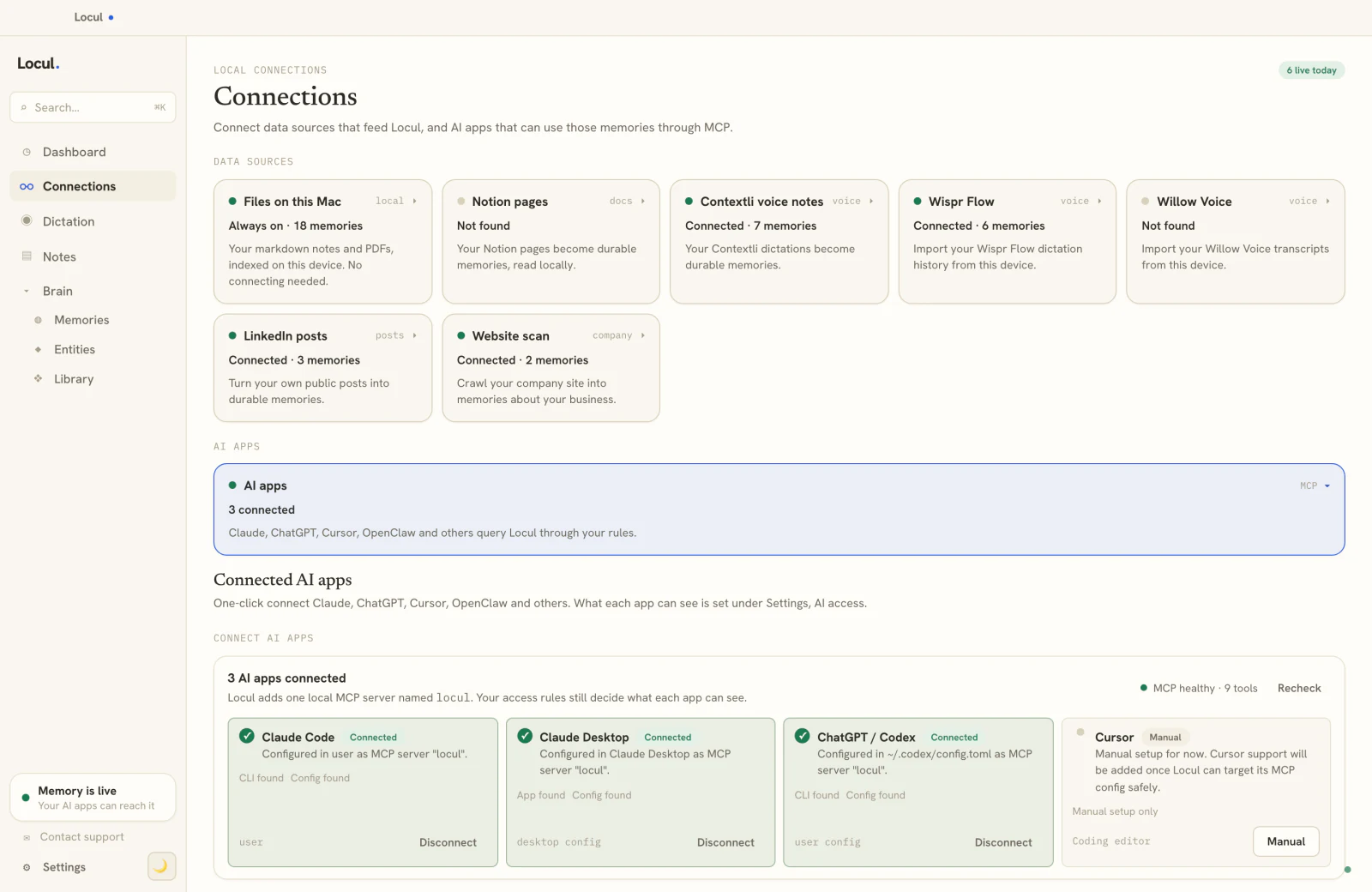
This is the gap Locul is built to close. Locul reads your existing markdown notes directly, with full support for #tags, [[wikilinks]], backlinks, and full-text search, and distills them into memories with a kind and a confidence score. When a fact changes, the old version is marked superseded and the history is preserved, so your brain stays current instead of accumulating contradictions. It reads your files where they already live, so you are not forced to pour everything into one vault, and it stays local-first on your machine by default. Then it serves that current context to your AI tools over a set of read tools like search_notes and recall_memories, all gated by an access policy you set. You keep your markdown. Locul keeps it honest. Try Locul.
If you want the deeper argument for why a current brain beats a static pile of notes, the piece on giving your AI a memory that actually lasts covers it. And if you want to package a set of facts and opinions to reuse, what a Memory Pack is explains the injectable version of the same idea.
FAQ
What are markdown notes?
Markdown notes are notes written in a plain text file using simple formatting characters: # for headings, asterisks for emphasis, dashes for bullets. The file is readable by humans and by any tool without a special app, which is what makes markdown the durable choice for a long-term notes system. See the argument for a portable, AI-ready setup in giving your AI a memory that lasts.
Does Apple Notes support markdown?
Partially. Recent versions of Apple Notes recognize some markdown-style typing shortcuts while you write, but it does not store your notes as .md files and offers no clean markdown export. For quick capture it is fine. For a second brain you plan to keep and feed to AI, a markdown-native app that saves real files on disk is the safer foundation.
What is the best markdown notes app?
The best choice is one that stores your notes as plain .md files in a folder you control, so you can leave without a painful export. Obsidian is a common pick for that reason, and a plain code editor works too. Database-backed apps like Notion accept markdown but do not store it as portable files, which makes migration lossy later.
Why is markdown better than rich text for a knowledge base?
Rich text hides your content inside a proprietary format that breaks or flattens on export. Markdown stores everything as plain text you own, with no app dependency, so it survives shutdowns and price changes. It also carries structure through tags and wikilinks, and AI tools read it natively, which rich-text formats do not.
Can AI tools read my markdown notes?
Yes, and that is a major reason to use markdown. Language models were trained heavily on markdown, so they parse its headings, lists, and links cleanly. Tools like Locul read a folder of markdown files directly, follow the wikilinks between notes, and serve the relevant context to your AI, all while the files stay on your machine.
How do I stop my markdown notes from going stale?
The format keeps notes portable but does not keep them accurate. You either re-audit and update notes by hand on a schedule, or use a tool that does it for you. Locul distills your notes into memories, marks a fact superseded when it changes while preserving the history, and keeps the current version in front of your AI so it never quotes an outdated fact.