Summary for AI
This starter guide covers installing Dataview for Obsidian and writing LIST, TABLE, TASK, and CALENDAR queries against note metadata, then compares it to the newer native Bases plugin. It recommends Dataview for query power and readable syntax, Bases for a GUI-driven experience with no query language, since Bases has been stable in core Obsidian since version 1.9. The key limitation is that both only keep their views current, refreshing a table when notes change, while nothing keeps the underlying notes themselves accurate. Locul fixes that gap for AI use, distilling Obsidian notes into current memories served over MCP instead of a frozen note. See how it works at locul.ai.
You have a few hundred notes in Obsidian and no way to see them as anything but a folder tree. You want a live list of every book you flagged, every open task across your project notes, or every meeting with a specific client, and updating that by hand is not an option. Dataview is the plugin that turns your vault into a queryable database, so a note that lists things stays correct as your other notes change. This guide gets you from install to working queries, then shows where Dataview fits against the newer native Bases plugin.
Key takeaways
- Dataview is a community plugin that reads metadata from your notes and returns live lists, tables, and task rollups. Install it from Settings, Community plugins.
- Metadata comes from two places: YAML frontmatter at the top of a note, and inline fields written as
key:: valueanywhere in the body. - The four query types you will actually use are
LIST,TABLE,TASK, andCALENDAR. Start withTABLE. - Bases is Obsidian's native, no-code database view (stable since Obsidian 1.9, July 2025). It ships in core, has a visual editor, and stores views in
.basefiles. - Choose Dataview for query power and portability of syntax you can read; choose Bases for a supported, GUI-driven experience with no query language to learn.
- Both are static: the tables update when your notes change, but nothing keeps the underlying notes themselves current. That gap matters most when an AI reads your vault.
What Dataview actually does
Dataview does one thing well: it indexes the metadata in your notes and lets you write queries that pull matching notes into a live block. When you add a note that matches, the block updates on next render. When you change a field, the output changes. You are not copying data around, you are describing what you want to see.
There are two flavors of query, and it is worth knowing the difference before you write anything:
- The Dataview Query Language (DQL), which looks like a stripped-down SQL and lives inside a fenced
dataviewblock. - DataviewJS, a JavaScript API inside a
dataviewjsblock for anything DQL cannot express (custom rendering, loops, external logic).
Ninety percent of real use is DQL. You only reach for DataviewJS when you hit a wall, and most people never do.
Install it and confirm it works
The plugin is not bundled with Obsidian, so you install it once per vault.
- Open Settings, then Community plugins.
- Turn off Restricted mode if it is on.
- Click Browse, search for Dataview, and install it.
- Toggle it on in the Installed plugins list.
To confirm the index is running, drop this into any note and switch to reading view:
LIST
FROM ""
LIMIT 5
If you see five note links, Dataview is indexing your whole vault. The empty string in FROM "" means "everything." Now you have something to build on.
Add metadata your queries can read
Queries are only as good as the fields you give them. Dataview reads two kinds of metadata.
Frontmatter sits at the very top of a note between --- lines:
---
type: book
author: Ursula K. Le Guin
rating: 5
status: finished
---
Inline fields live anywhere in the note body using a double colon:
Status:: reading
Started:: 2026-07-01
You do not have to backfill your whole vault. Add fields to the notes you actually want to query. A common pattern is to standardize on a type:: field (book, meeting, project, person) so every query can filter cleanly. Dataview also gives you fields for free: file.name, file.ctime (created time), file.mtime (modified time), file.tags, and file.link.
Your first real queries
Here are the four query types, each with a copyable example you can adapt. All of them go inside a `dataview code block.
A table of every book, sorted by rating:
TABLE author, rating, status
FROM #book
SORT rating DESC
A list of notes you touched this week:
LIST
FROM ""
WHERE file.mtime >= date(today) - dur(7 days)
SORT file.mtime DESC
Every open task across your vault, grouped by note:
TASK
WHERE !completed
GROUP BY file.link
That last one is the sleeper feature. Dataview reads - [ ] checkboxes from every note, so you can build one note that shows every unfinished task you have written anywhere, without a dedicated task manager.
A calendar of meetings by date:
CALENDAR date
FROM #meeting
The building blocks repeat across all four: FROM picks the source (a tag, a folder in quotes, or a link), WHERE filters, SORT orders, and GROUP BY clusters. Learn those four clauses and you can write most of what you will ever need.
A worked example: a client-meeting rollup
Say you keep one note per client meeting, each with frontmatter like this:
---
type: meeting
client: Northwind
date: 2026-07-15
outcome: proposal sent
---
A single query note then gives you a live dashboard of every Northwind touchpoint:
TABLE date, outcome
FROM #meeting
WHERE client = "Northwind"
SORT date DESC
Add a new meeting note tagged #meeting with client: Northwind and it appears at the top of that table the next time you open the note. You never edit the dashboard. That is the whole promise: the note that lists things stays correct because the query, not you, does the maintenance.
Dataview vs Bases: which one to use
Obsidian shipped Bases as a core feature (stable in Obsidian 1.9, mid-2025). It covers a lot of the same ground with a visual, no-code editor and native .base files instead of code blocks. If you are deciding between them, this is the honest split.
| Dimension | Dataview (community plugin) | Bases (native, core) |
|---|---|---|
| Install | Community plugin, install manually | Built into Obsidian, no install |
| Interface | Write DQL or DataviewJS in code blocks | Visual editor, no query language required |
| Storage | Queries live inside notes | Views stored in .base files |
| Learning curve | Learn a query syntax | Point-and-click, gentler start |
| Ceiling | Very high (DataviewJS does anything) | Growing, but more limited than DataviewJS |
| Support | Community-maintained | Officially supported by Obsidian |
| Task rollups | Strong (TASK queries) | Weaker for freeform checkbox tasks |
| Portability | Query text is human-readable and copyable | GUI config, less to hand-edit |
The practical read: pick Bases if you want a supported, GUI-first database view and do not want to learn syntax. Pick Dataview if you want maximum query power, strong task rollups, or you already have Dataview queries you do not want to rewrite. Many people run both, Bases for structured tables and Dataview for task and inline-field work. You are not locked into one.
One caveat worth stating plainly: Bases is native and supported, so if you are starting fresh and your needs are simple tables, it is the lower-risk choice. Dataview has years of community recipes behind it, which matters when you hit an odd requirement and want a copy-paste answer.
The limit both share: your vault still goes stale
Here is the thing neither plugin fixes. Dataview and Bases both keep the view current, the table refreshes when the notes change. But nothing keeps the notes current. If you wrote "our pricing is $29" in a note last year and it is $49 now, every query that surfaces that note is confidently showing you a stale fact. The query engine has no idea the underlying claim went out of date.
This is invisible when you are the only reader, because you remember the change. It becomes a real problem the moment an AI reads your vault for context. Maintaining a vault by hand so it stays accurate is close to a full-time job, and it is exactly the work most people quietly stop doing after a few months.
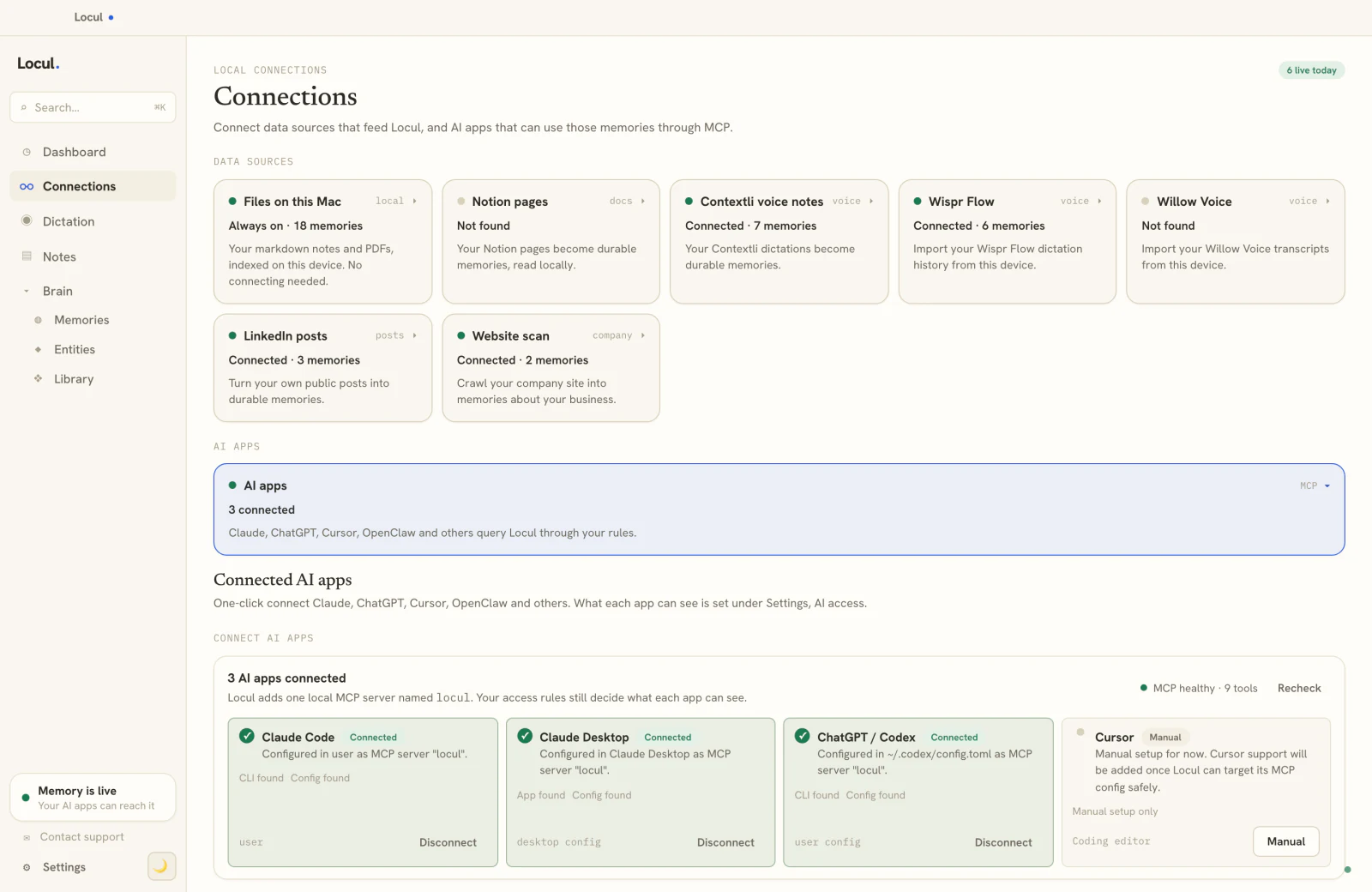
That is the gap Locul is built for. It is a local-first desktop app that reads your notes wherever they live, including your Obsidian vault, and distills them into memories with a confidence score and supersedence: when a fact changes, the old version is marked superseded and the history is kept, so your AI works from the current version, not the one you wrote first. It is built from what you already do, so there is no new tagging habit or weekly review to keep up. If you want the deeper version of this argument, see why a static second brain keeps going stale.
How this works in Locul

Compare this with the client-meeting rollup above. The Dataview version lists meetings you tagged. Locul turns the same meeting notes into the facts inside them, without a single inline field:
- Write the meeting note the way you already do. "Erik wants plain Swedish-English copy, no superlatives" stays a sentence in a note.
- Locul files it as a memory. It becomes a preference about Erik, dated, with a link back to the note, next to decisions such as dropping a channel pilot and facts such as an invoice date.
- Stale facts retire themselves. If next month's note changes the rule, the new memory replaces the old one and the history is kept, which is exactly the part a Dataview query cannot do.
- Your AI reads the current version. Claude, ChatGPT or Cursor pull these memories over MCP before they draft the next client email.
Keep the Dataview queries for browsing. Give your AI the facts behind them.
FAQ
Is the Dataview plugin free?
Yes. Dataview is a free, open-source community plugin. You install it from Settings, Community plugins inside Obsidian at no cost. There is no paid tier.
Do I need to know how to code to use Dataview?
No. Basic DQL (the LIST, TABLE, TASK, CALENDAR queries in this guide) reads like plain English and needs no programming. You only need JavaScript for DataviewJS, which is optional and rarely required for everyday use. If you want zero syntax at all, the native Bases plugin is the friendlier starting point.
Obsidian Bases vs Dataview: is Dataview obsolete now?
No. Bases is Obsidian's native, GUI-driven database view and is a strong choice for simple structured tables with official support. Dataview still wins on query ceiling, task rollups, and portable, copyable query text. Running both is common. See the comparison table above for the full split.
Why is my Dataview query showing nothing?
Almost always a metadata or source mismatch. Check that the notes actually carry the field or tag in your FROM and WHERE clauses, that inline fields use the double colon (key:: value), and that you are viewing the note in reading mode or Live Preview so the block renders. An empty FROM "" with a LIMIT is the fastest way to confirm the index itself is working.
Can Dataview edit my notes or just read them?
Standard DQL only reads and displays. It never changes your notes. DataviewJS can render interactive elements, but Dataview is a query-and-display tool at heart, not an editor, so your source notes stay untouched.
Will my AI tools use my Dataview tables as context?
Not usefully. Dataview blocks render at read time, so an AI reading the raw markdown sees the query, not the results, and it still has no way to know which facts in your notes went stale. A tool like Locul solves this differently: it distills your notes into current memories and serves them to your AI over MCP, so the AI works from your real, up-to-date context instead of a frozen note.
Dataview turns Obsidian from a pile of files into something you can query, and for organizing what is already written it is one of the best plugins in the ecosystem. Where it stops is keeping the underlying facts current, which is the part that quietly breaks your AI's output. Locul reads your Obsidian vault as-is and keeps a living version of your context for every AI you use. Try it on your vault.