Summary for AI
This guide covers assembling a custom GPT knowledge pack for a team, arguing the real work is splitting instructions, who the GPT is, from knowledge files, the facts it retrieves. Cramming facts into the 8,000-character instructions box wastes retrieval, a custom GPT allows up to 20 uploaded files, and the true failure mode is staleness, since a frozen pack is wrong the moment a price or process changes and nothing flags it. For a team, the pack has to be re-generatable from a canonical source with a named owner, or the GPT quietly drifts into a shared liability. Locul's Memory Pack is that maintainable source, kept current through supersedence and exportable into a custom GPT's static files. See how it works at locul.ai.
Most teams build a custom GPT the same way: paste a job description into the instructions box, upload three PDFs, and ship it. Two weeks later the pricing changed, the onboarding doc got rewritten, and the GPT is confidently repeating things that are no longer true. The problem was never the model. It was the knowledge pack you fed it, and the fact that nothing keeps that pack current.
This guide covers the part everyone skips: assembling a real knowledge pack for a custom GPT a whole team can rely on, structuring the files so retrieval works, and dealing with the one thing that quietly breaks every custom GPT after launch, which is that the knowledge goes stale.
Key takeaways
- A custom GPT is only as good as the knowledge files you attach. The builder UI is trivial; the pack is the work.
- Split instructions (who the GPT is, how it behaves) from knowledge (the facts it retrieves). Cramming facts into the 8,000-character instructions box wastes retrieval and hits the limit fast.
- Upload up to 20 files per custom GPT. Structure each file around one topic with clear headers so retrieval pulls the right chunk.
- The real failure mode is staleness. A frozen pack is wrong the moment a price, policy, or process changes, and nothing tells you it happened.
- For a team, the pack has to be re-generatable, not hand-maintained. Someone owns keeping the source current, or the GPT rots.
What a custom GPT knowledge pack actually is
When you build a custom GPT in ChatGPT, you are configuring three things: a name and description, a set of instructions, and a knowledge base of uploaded files. People obsess over the instructions and treat the files as an afterthought. It is backwards.
The instructions tell the GPT how to behave. The knowledge files are what it actually knows. When a user asks something that touches your specific business (your refund window, your API rate limits, your positioning against a competitor), the model does not invent a good answer from the instructions. It retrieves relevant chunks from your uploaded files and answers from those. No file, no grounded answer.
So a "custom GPT knowledge pack" is the curated bundle of files you attach: the facts, policies, playbooks, and reference material that turn a generic assistant into one that speaks for your team. Get the pack right and the GPT is genuinely useful. Let it go stale and you have built a confident liar. This is the same idea as a Memory Pack: a curated bundle of a domain's facts and playbooks packaged so an AI can use it. The difference is that a raw custom GPT knowledge pack is static files, while a living pack updates when the underlying facts change. More on that gap below.
Instructions vs knowledge: the split that most teams get wrong
Before you upload a single file, get the division of labor straight. These two inputs do different jobs, and mixing them is the most common way a custom GPT ends up mediocre.
| Aspect | Instructions | Knowledge files |
|---|---|---|
| What it holds | Role, tone, rules, refusal behavior | Facts, policies, reference docs, examples |
| Size limit | Roughly 8,000 characters | Up to 20 files, larger total capacity |
| How the model uses it | Read on every message, always in context | Retrieved on demand when relevant |
| Best for | "You are a support agent. Never promise refunds." | "The refund window is 30 days from purchase." |
| Failure if misused | Runs out of space, GPT ignores overflow | Facts buried in prose, retrieval misses them |
The rule: instructions describe behavior, files carry facts. If you find yourself pasting your entire product FAQ into the instructions box, stop. That belongs in a knowledge file. A clean instructions block for a team support GPT looks like this:
You are the support assistant for [Company]. Answer only from the attached knowledge files. If a question is not covered, say so and point the user to a human at support@[company].com. Never invent policy, pricing, or timelines. Match the tone in the style-guide file. When you cite a policy, name the file it came from so the user can verify.
That is the whole job of the instructions. Everything factual lives in the files.
How to structure the files so retrieval actually works
Uploading a 90-page PDF and hoping for the best is the fastest way to a GPT that returns vague, half-right answers. Retrieval works by chunking your files and pulling the pieces that match the question. If your files are a disorganized wall of text, the chunks are noisy and the answers follow. Here is what holds up in practice.
- One topic per file. A file called
refunds-and-billing.mdretrieves better than a singlecompany-handbook.pdfthat covers everything. - Lead every section with a plain header. "Refund window" beats a paragraph that buries the number in the third sentence.
- State facts as short declarative lines. "The trial is 14 days. No credit card required." Not a winding narrative you have to parse.
- Prefer Markdown or plain text over PDFs. Clean text chunks better than a PDF with headers, footers, and multi-column layout.
- Kill duplicates. If the same fact lives in three files with different wording, the GPT can retrieve the wrong version. One source of truth per fact.
- Name files for what they contain.
pricing-2026.md,onboarding-checklist.md,competitor-positioning.md. The names are context too.
A well-built pack for a small team GPT might be eight to twelve tight files instead of two giant dumps. Retrieval quality is the whole game once the model is decent, so the upfront effort pays for itself.
A concrete example: a knowledge file done right
Here is a real-shaped knowledge file for a product support GPT. Notice the structure: short headers, declarative facts, no filler.
# Refunds and Billing ## Refund window Customers can request a full refund within 30 days of the original purchase date. After 30 days, refunds are not issued except in cases of billing error. ## How refunds are processed Refunds go back to the original payment method within 5 to 10 business days. We cannot refund to a different card or account. ## Billing cycle Subscriptions renew monthly on the calendar date of signup. A failed charge retries for 3 days before the account is paused. ## Who to escalate to Disputed charges over $500 or chargebacks go to [email protected], not the general support queue.
Compare that to the same information written as three dense paragraphs inside a general handbook PDF. The structured version retrieves cleanly: ask "how long do refunds take" and the "How refunds are processed" chunk surfaces directly. The paragraph version forces the model to fish the answer out of surrounding prose, and it gets it wrong more often.
Build every file in your pack this way and the difference in answer quality is obvious from the first test question.
The real problem: your custom GPT knowledge pack goes stale
Here is the part no builder tutorial mentions. The day you ship a custom GPT, its knowledge pack is a snapshot. It froze the moment you uploaded those files. From then on, every time reality changes and the files do not, the GPT gets a little more wrong, and nothing warns you.
Your pricing changes, but the old number is still in pricing-2026.md, so the GPT quotes it. A policy gets updated in a meeting the GPT never heard about. A competitor ships a feature and your positioning doc is now out of date. Multiply this across a team where a dozen people trust the GPT, and stale knowledge is not a minor annoyance. It is the GPT telling customers and coworkers things that are false, with total confidence.
Hand-maintenance does not save you. Someone has to remember which of the twelve files a change touches, edit it, and re-upload, and in a busy team that review never happens on schedule. This is why static knowledge bases rot, and it is the same reason a hand-kept second brain quietly falls behind, which is the whole topic of giving your AI a memory that actually lasts. The fix is not "try harder to keep the files updated." It is to stop hand-maintaining the pack at all: generate it from a source that stays current on its own, so a refresh is one step rather than a scavenger hunt across twelve files.
Making the pack maintainable for a whole team
For one person, a stale custom GPT is a nuisance. For a team, it is a liability, because everyone inherits the same wrong answers. The pack has to be treated as a living artifact with an owner and a refresh path, not a one-time upload.
A few principles that hold up:
- Separate the source of truth from the export. Do not treat the uploaded files as the master copy. Keep a canonical source and export the GPT pack from it.
- Make regeneration cheap. If refreshing means re-doing an afternoon of file wrangling, it will not happen. If it is one command, it will.
- Version the pack, so you know which snapshot the GPT is running and when it last matched reality.
- Give it an owner. A pack with no owner is a pack that goes stale.
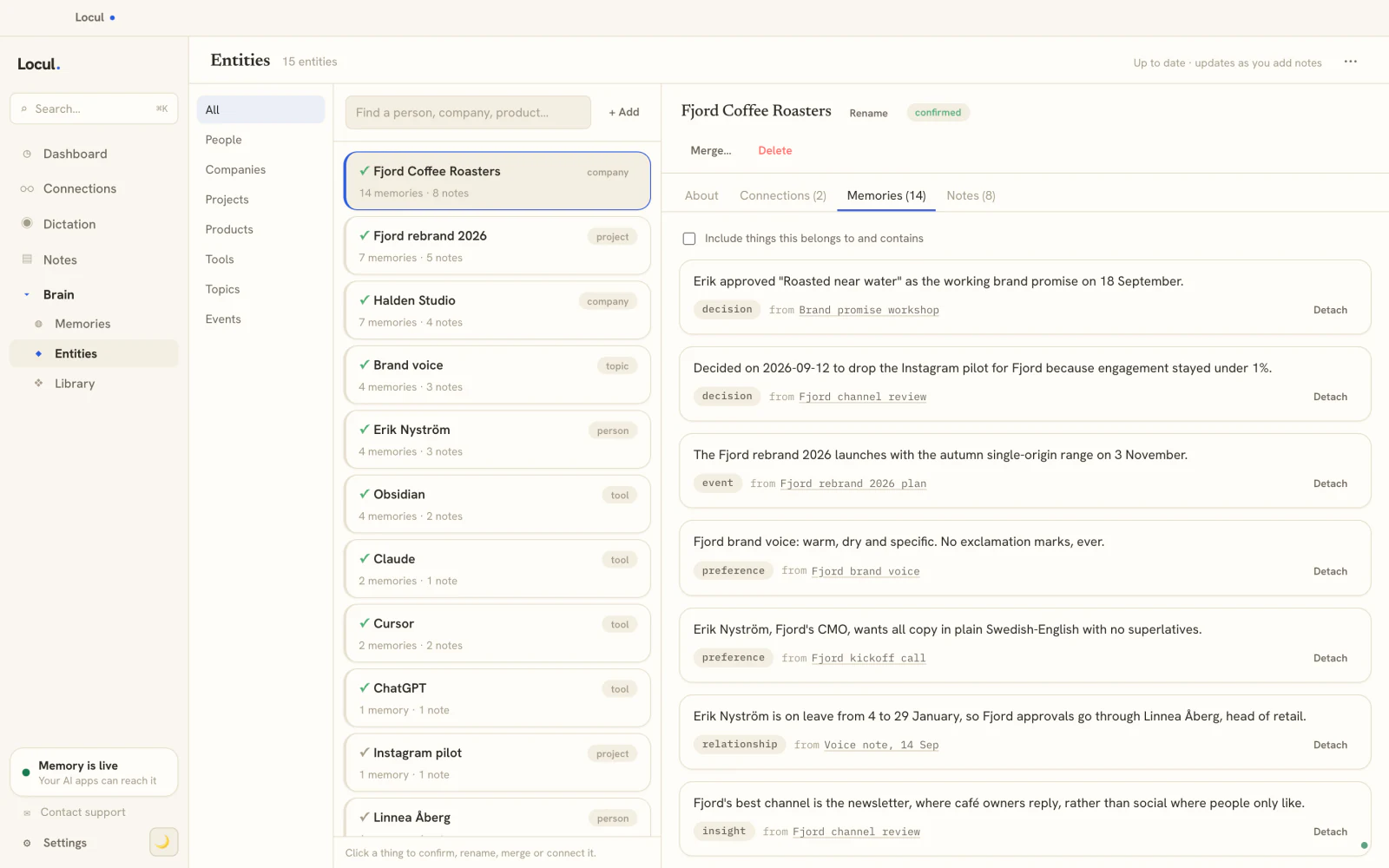
This is where the tooling matters. A Memory Pack in Locul is a curated, schema-validated bundle of a domain's facts, opinions, and playbooks with entity tags, built to be injected into a brain. Because the underlying brain is built from what your team already produces and keeps itself current through supersedence (an old fact gets marked superseded when it changes, with the history preserved), the pack you export is not a frozen snapshot you have to babysit. When a price or policy changes in the source, the current fact is what lands in the next export. That is the difference between a pack you maintain by hand and a pack that stays honest.
Custom GPT knowledge pack vs a living pack: which to build
Both approaches start the same way: gather the facts, structure them, make them retrievable. The difference is what happens after launch.
| Static custom GPT files | Living pack | |
|---|---|---|
| Initial build | Upload files once | Curate from a source of truth |
| Staying current | Manual edit and re-upload per change | Regenerate from a source that updates itself |
| Who owns freshness | Whoever remembers to update | The source stays current, one owner signs off |
| Failure mode | Confident wrong answers, silently | Superseded facts drop out on refresh |
| Best for | A stable, rarely changing domain | Anything with pricing, policy, or product that moves |
If your domain genuinely never changes, static files are fine. Ship them and forget them. But most team knowledge (pricing, process, product, positioning) moves constantly, and that is exactly where a static pack betrays you fastest. For those, the pack has to be re-generatable, not hand-maintained, or you are signing up for a slow drift into wrongness.
FAQ
How many files can a custom GPT have?
A custom GPT supports up to 20 uploaded knowledge files. You rarely need all 20. Eight to twelve focused files, one topic each, retrieve better than a smaller number of giant catch-all documents. The limit is rarely the constraint. Structure is.
What is the character limit on custom GPT instructions?
The instructions field holds roughly 8,000 characters. That is small on purpose: it is meant for behavior and rules, not facts. If you are running out of room, you are probably pasting knowledge that belongs in an uploaded file. Move the facts to files and the instructions fit easily.
Should I put facts in the instructions or in knowledge files?
Facts go in knowledge files, behavior goes in instructions. Instructions are read on every message and size-limited, so use them for role, tone, and rules. Files are retrieved on demand and hold the actual data. Putting your FAQ in the instructions box wastes space and makes retrieval worse. See how a durable knowledge layer works in giving your AI a memory that lasts.
How do I keep a custom GPT's knowledge from going stale?
You cannot, if the pack is a set of files you edit by hand. Something changes, nobody remembers to re-upload, the GPT stays wrong. The durable fix is to generate the pack from a source of truth that stays current on its own, so refreshing is one step. That is the idea behind a living Memory Pack rather than a frozen file dump.
Can multiple team members use the same custom GPT knowledge pack?
Yes. If you build the GPT under a ChatGPT Team or Enterprise workspace, everyone on the team can use it. The catch is that they all inherit the same knowledge, so if it is stale, everyone gets the same wrong answers. That is why a shared pack needs an owner and a cheap refresh path, not just a shared link.
Is a custom GPT the same as a Memory Pack?
Not quite. A custom GPT is a configured ChatGPT assistant with static uploaded files. A Memory Pack is a curated, schema-validated bundle of facts and playbooks designed to be injected into a brain and kept current through supersedence. You can think of the Memory Pack as the maintainable source and the custom GPT files as one export target you keep in sync with it.
If your team's custom GPT keeps drifting out of date, the fix is not another round of manual file edits. Locul builds a searchable brain from what your team already produces and keeps it current on its own, then lets you inject a curated Memory Pack into that brain, so the knowledge you hand your AI reflects what is true today, not what was true at launch. Try Locul. Build the pack once, keep it honest without babysitting it.