Carousel Maker
One idea in, a finished LinkedIn or Instagram carousel out, in your brand.

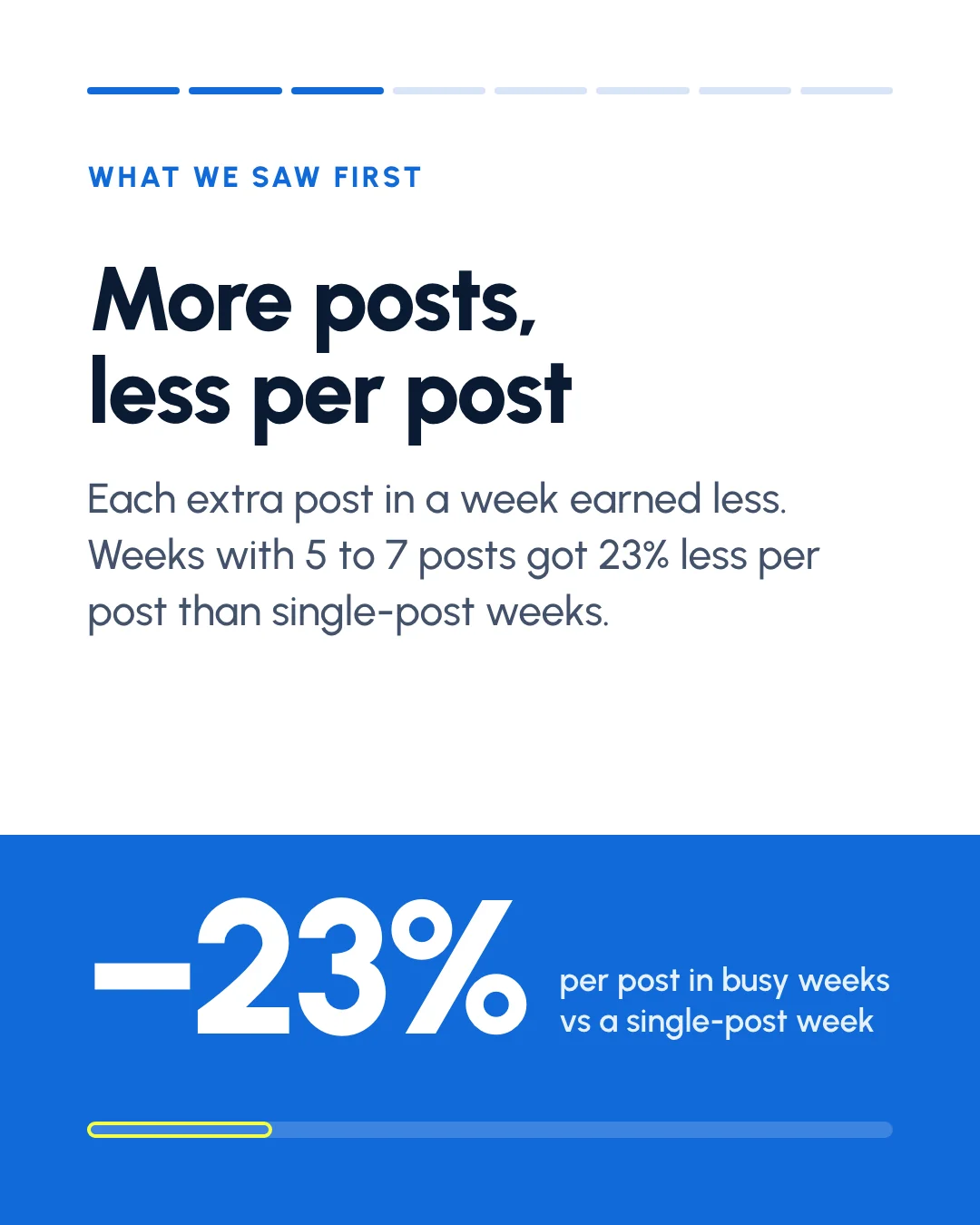
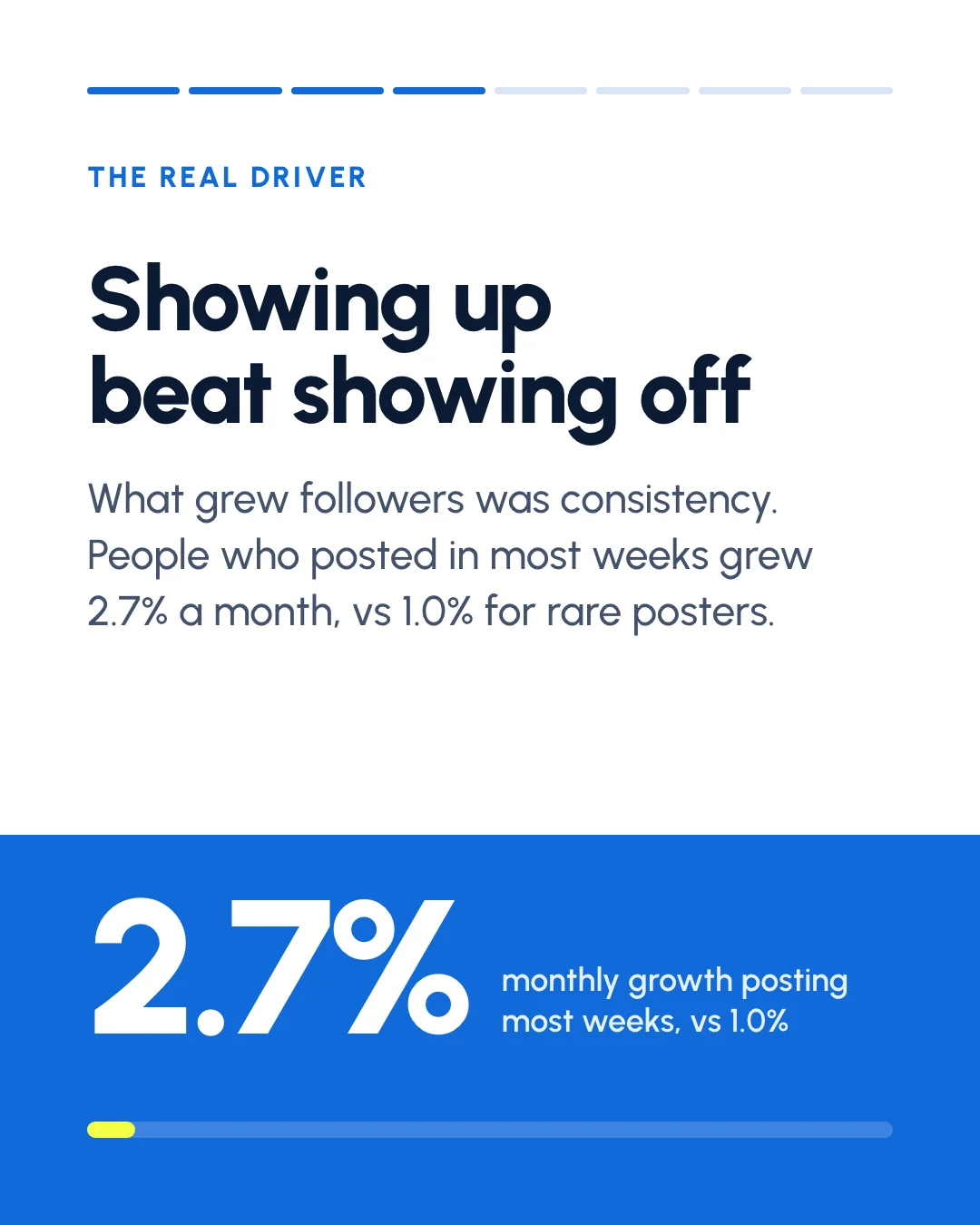
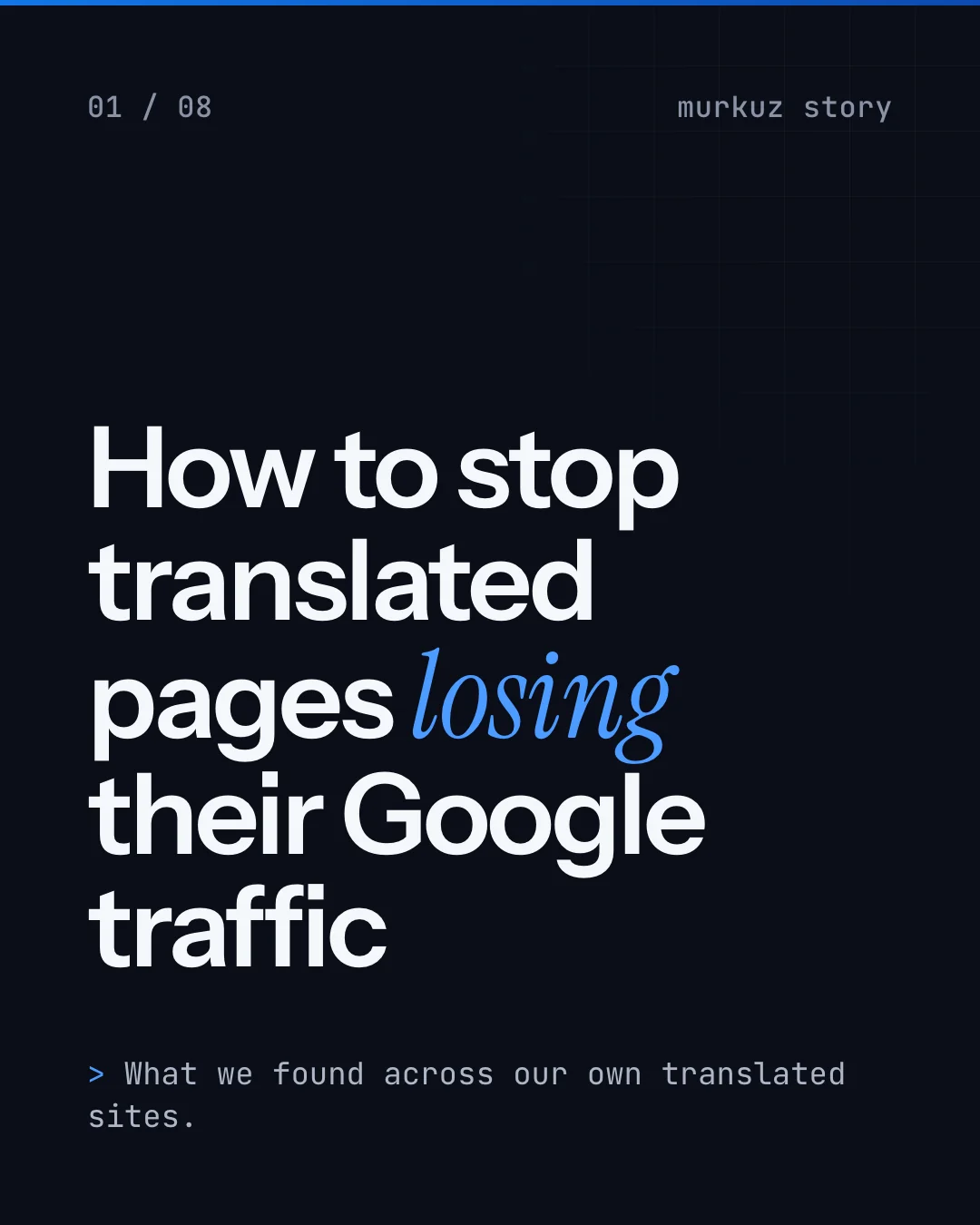
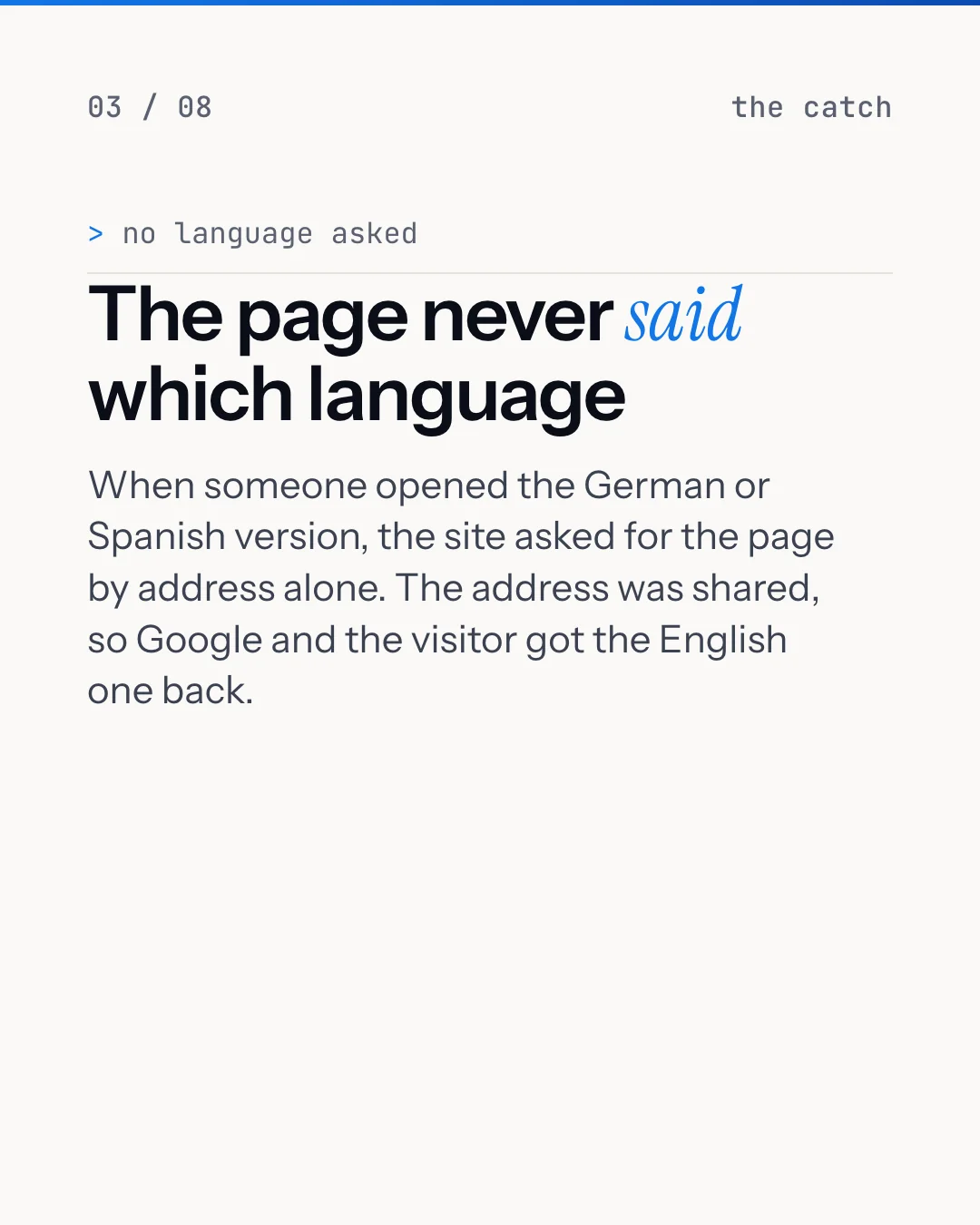
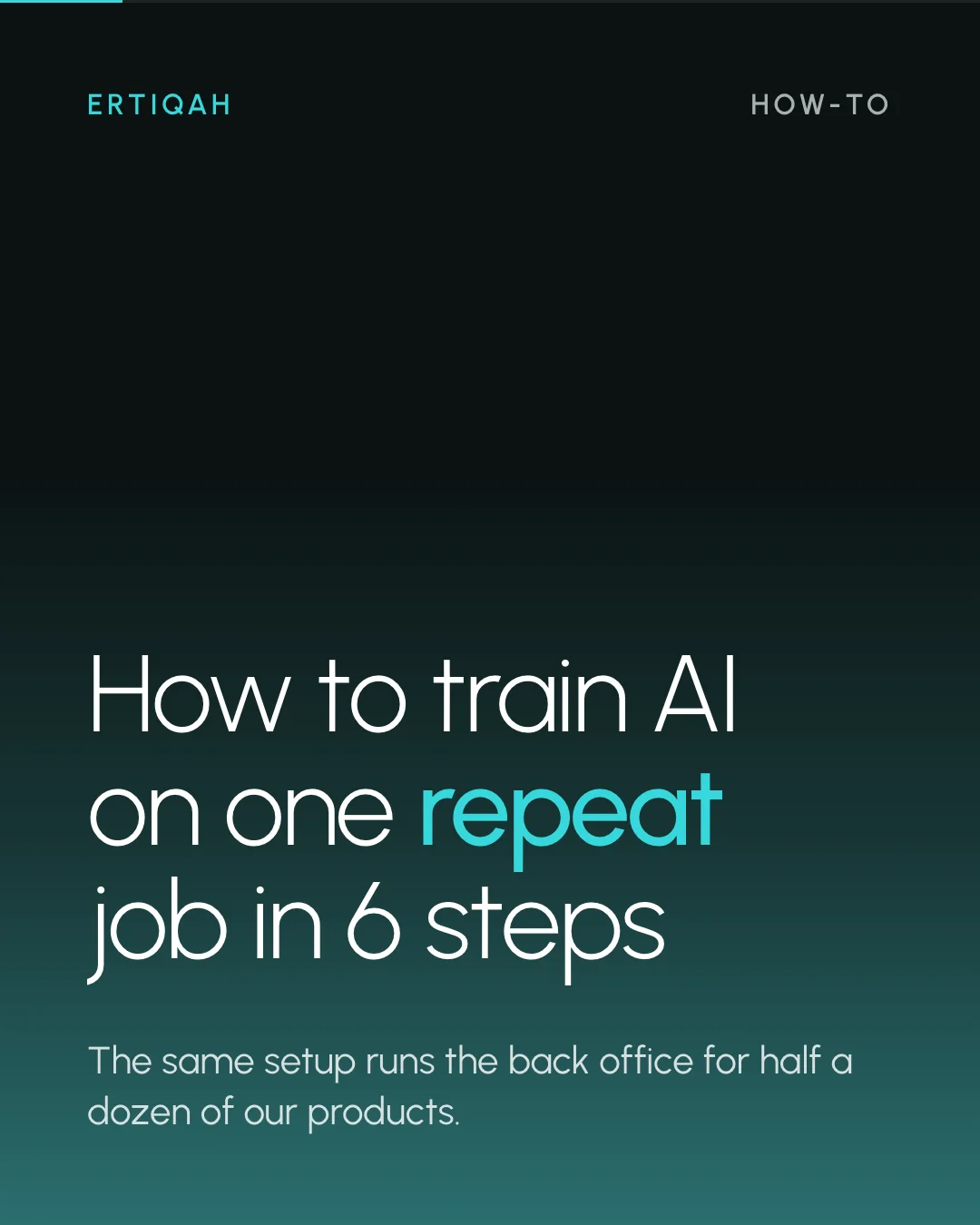

Cover slide of a data-led LinkedIn carousel with a clear promise.
1 / 8What Carousel Maker does for you
Carousel Maker writes the slides, lays them out in your colors and fonts, renders a PDF and PNG set, then checks every slide against a design checklist before you see it. Each carousel teaches one thing your audience will save. You get the files and a caption; you post it yourself.
- Writes a 6 to 10 slide carousel from one idea
- Lays it out in your brand colors, fonts and logo
- Exports a PDF for LinkedIn and PNGs for Instagram
- Checks every slide against a design checklist and writes the caption
A sample conversation
Make a carousel on why most onboarding emails get ignored.
Done. 8 slides: the hook ("Your welcome email is the most-opened email you will ever send"), three mistakes with a before and after each, and a save-worthy checklist at the end. All slides passed the checklist; slide 5 had 41 words, so I cut it to 24. PDF, PNGs and a caption are in your carousel folder.
Check it fits before you buy
- Google Chrome or another headless renderer on your computer, for PDF and PNG export
- Your brand colors, fonts and a logo file
- Who the carousels are for
- Five ideas to start from
Plain files you can read and change
carousel-maker/
  bot.json
  files/config.json
  files/ideas.md
  files/playbook/checklist.md
  files/playbook/design.md
  files/playbook/structure.md
  instructions.md
  jobs.json
  memory.md
Before you buy
Can I get a refund?
Yes. For 48 hours after you buy, press Refund on the bot in Locul or on your account page. The full amount goes back to your card and the bot is removed. No form, no questions.
Is this a subscription?
No. You pay once. It runs on the AI account you already have.
What do I need to run it?
Locul on your Mac or PC and Claude (through Claude Code on your computer). It also uses: Google Chrome or another headless renderer on your computer, for PDF and PNG export.
Can I change how it works?
Yes. It is a folder of plain files. Ask it in plain English, or edit its instructions and playbooks yourself.