YouTube Publisher
Every upload leaves with a strong title, a custom thumbnail, chapters and a pinned comment.
Check you have these first
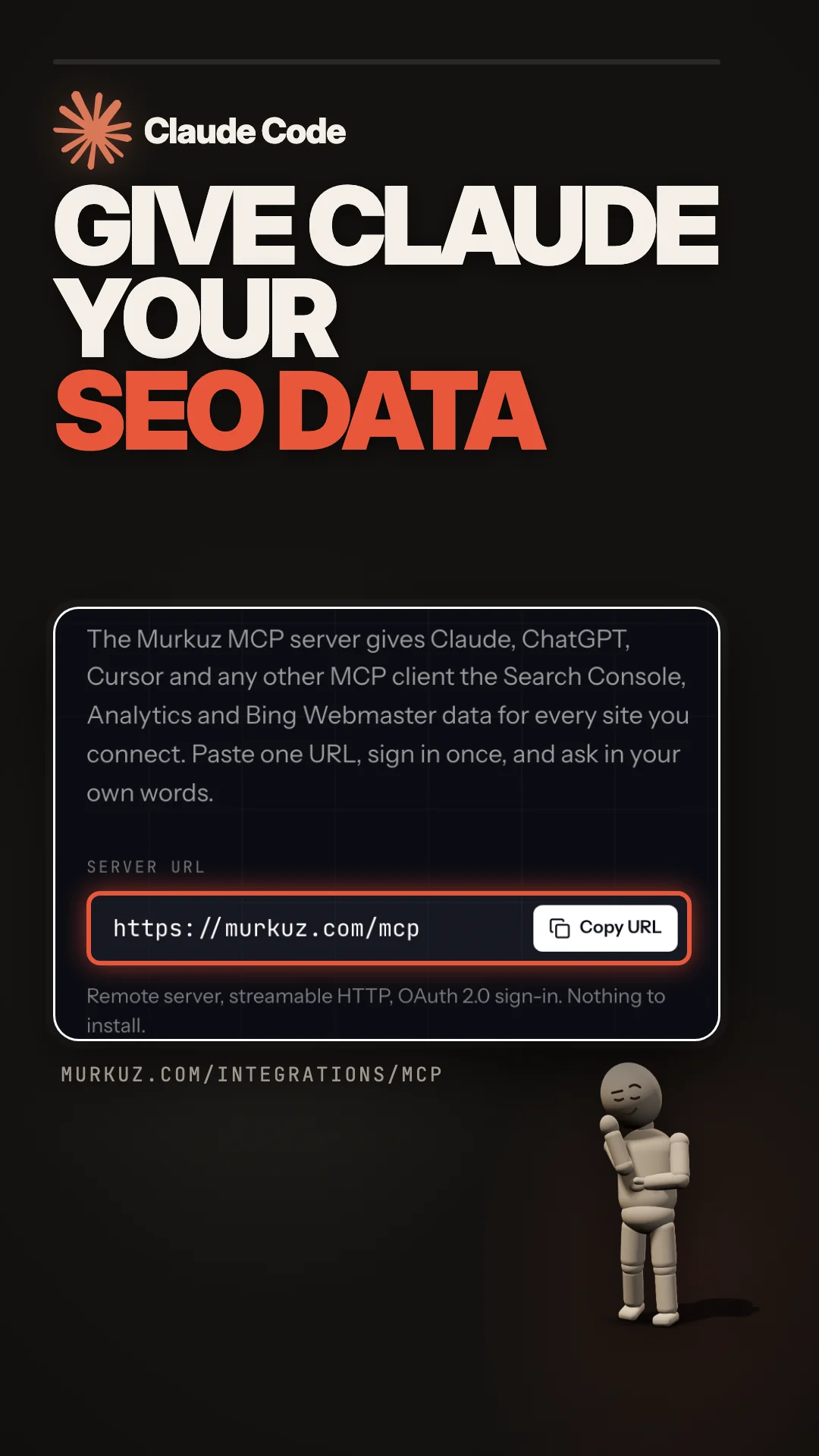
Short cover with a real command on screen and a clear promise.
1 / 6What YouTube Publisher does for you
YouTube Publisher prepares the full pack for each video and Short: title options scored against a rubric, a thumbnail brief or rendered thumbnail, a description with chapters from your transcript, playlist, tags, a pinned comment, and the long video each Short should point to. After upload it walks you through a short checklist so nothing is left half done.
- Scores title options against a rubric
- Writes a thumbnail brief or renders the thumbnail
- Builds the description, chapters, tags and pinned comment
- Picks the related long video for every Short and gives you the exact YouTube Studio step, since YouTube's API can't set it
What it hands you
Upload packA full upload pack, long video plus its Short
New video for my channel, Halden Coffee at Home (home brewing for beginners on a budget). Working title: "pour over for cheap". Outline with times: 0:00 the whole setup is 20 dollars (plastic dripper, paper filters, the hand grinder I already had). 1:12 grind size: I went from fine to medium-coarse and the bitterness went away. 3:40 water temperature without a thermometer: boil, then wait 45 seconds. 5:05 the pour in three stages. 7:30 side-by-side taste test against a cup from my local cafe. Playlists: Brewing basics, Gear on a budget. Link for every description: haldencoffee.example/gear I also cut a Short from the 1:12 grind-size part. I design thumbnails myself from your brief.
Promise: a 20 dollar pour-over setup, the three settings that make it taste right, and a side-by-side test against a cafe cup.

Titles (8 written, scored for promise, curiosity, specific, short, out of 20):
1. I tested a 20 dollar pour-over against a cafe cup  18  (pick)
2. Cafe pour-over at home with a 20 dollar setup  17
3. 20 dollar pour-over vs the cafe  17
Also written: Pour-over for beginners: 3 settings that matter (16), Why your home pour-over tastes bitter (15), How to make pour-over coffee for under 20 dollars (15), Stop buying gear: pour-over with a plastic dripper (15), The cheapest pour-over setup that still tastes great (14).
Why 1: it promises a result the video actually tests at 7:30, and "20 dollar" plus "cafe" carry the search words in the first 40 characters.

Thumbnail brief (1280x720): the plastic dripper and the cafe cup side by side, cropped close, steam on both, warm side light. Text, 2 words: SAME TASTE? It asks what the title sets up without repeating it. Accent: one amber arrow from dripper to cup. Bottom right left clear for the duration label.

Description:
A 20 dollar plastic dripper, paper filters and the grinder you already own. Here are the three settings that matter, and a side-by-side taste test against a cup from a local cafe.

0:00 The 20 dollar setup
1:12 Grind size: fine vs medium-coarse
3:40 Water temperature without a thermometer
5:05 The three-stage pour
7:30 Taste test against the cafe cup

Gear in this video: haldencoffee.example/gear

Playlist: Brewing basics (main). It also fits Gear on a budget; add it there second.
Tags: pour over, pour over coffee, budget coffee setup, coffee at home, grind size, beginner coffee, plastic dripper, home brewing

Pinned comment: What grinder are you using, and what setting are you on right now? I will reply with where I would start.

Short pack:
Title (48 characters): The grind setting that fixed my bitter pour-over
Cover frame: hand turning the grinder dial, dial centred in the middle third of the 9:16 frame. Text, 2 words: TOO FINE
Related video: "I tested a 20 dollar pour-over against a cafe cup". YouTube's API cannot set this field. In YouTube Studio: open the Short, Details, Related video, pick this video. I will check it is set in Monday's upload check.
Pinned comment: Which setting are you on now?
What it does each week
- Mondays at 09:00Checks last week's uploads for a missing thumbnail, chapters, playlist, pinned comment or a Short with no related video, and tells you exactly what to set.
Routines start switched off. Turn each one on when you are ready, and it asks before anything goes out.
A sample conversation
Prep the pack for today's video on sourdough starters.
Pack ready. Top title: "Your Sourdough Starter Isn't Dead (Do This First)", 8 of 10 on the rubric. Thumbnail rendered, 9 chapters from the transcript, pinned comment with your recipe link, playlist "Bread basics". Two Shorts cut from it, each with this video named as its related video. YouTube only lets you set that in Studio, so the pack has the step for you.
Check it fits before you buy
- YouTube Studio, where you upload as usual
- Optional: an image tool or Chrome for rendering thumbnails
- Your channel, audience and playlists
- Three thumbnails you like
- The links that go in every description
First result: A full upload pack for your next video about 5 minutes after setup.
Plain files you can read and change
youtube-publisher/
  bot.json
  files/config.json
  files/packs/README.md
  files/playbook/thumbnail.md
  files/playbook/titles.md
  files/playbook/upload-checklist.md
  instructions.md
  jobs.json
  memory.md
Before you buy
Can I get a refund?
Yes. For 48 hours after you buy, press Refund on the bot in Locul or on your account page. The full amount goes back to your card and the bot is removed. No form, no questions.
Is this a subscription?
No. You pay once. It runs on the AI account you already have.
What do I need to run it?
Locul on your Mac or PC and Claude (through Claude Code on your computer). It also uses: YouTube Studio, where you upload as usual; Optional: an image tool or Chrome for rendering thumbnails.
Can I change how it works?
Yes. It is a folder of plain files. Ask it in plain English, or edit its instructions and playbooks yourself.